
DROPWHEEL
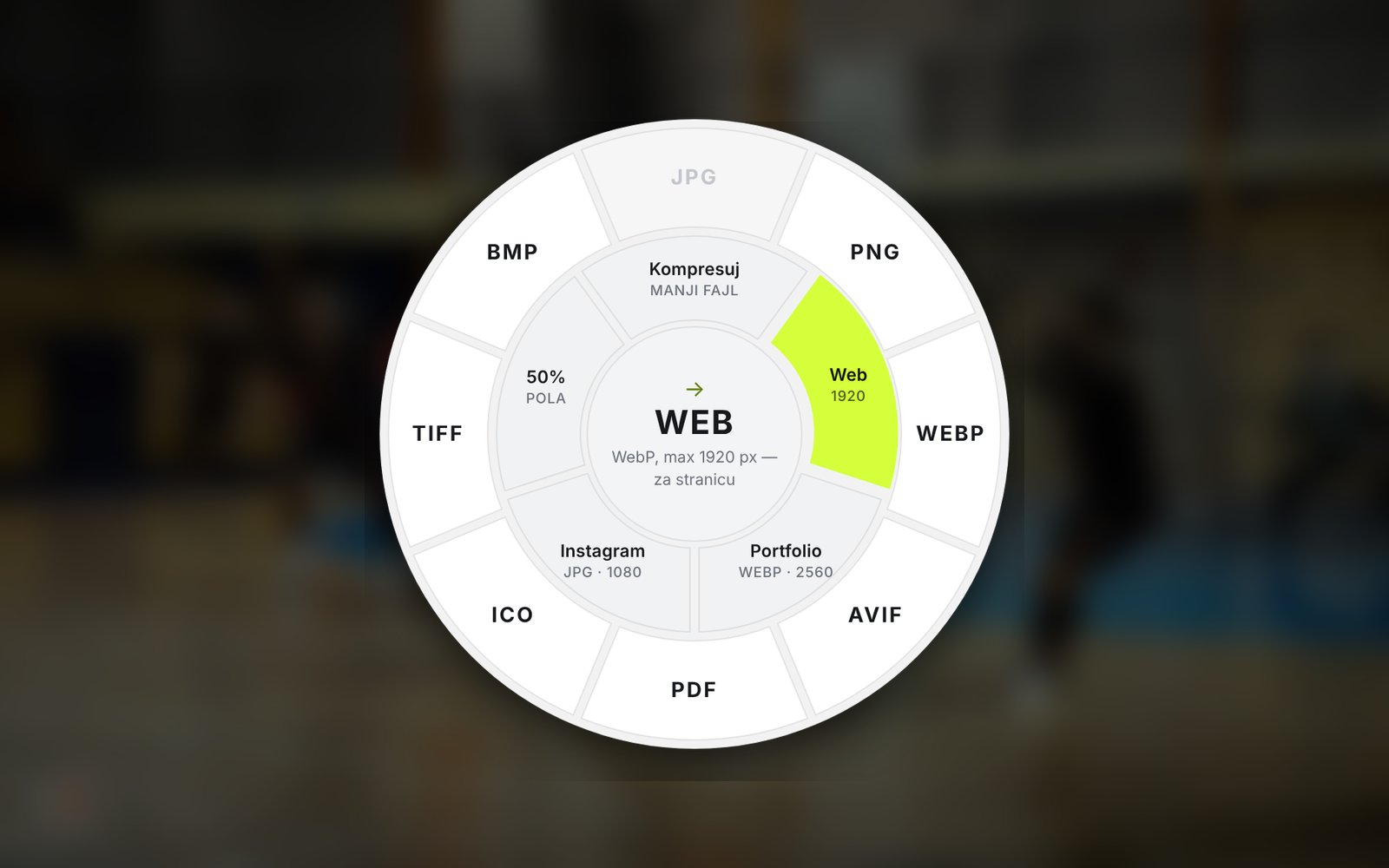
Drag a file. Press Shift. Drop it on a format.
Convert images, video and PDFs straight from your folder, without hunting for online converters or uploading files to someone else’s server. Everything runs on your computer.
Windows 10/11 · updates itself · Android coming soonDrag
Grab an image, video or PDF with your mouse.
Shift
A wheel of formats and actions appears.
Drop
The new file lands right next to the original.
Images
JPG, PNG, WEBP, AVIF, TIFF, ICO, compression, web and Instagram sizes
Video & audio
WhatsApp and Reels presets, compression, mute, format conversion
Compress large PDFs, merge, PDF to images or Word
For students
Seminar papers and presentations from Word and PowerPoint to PDF in one move (requires MS Office)
Recipes
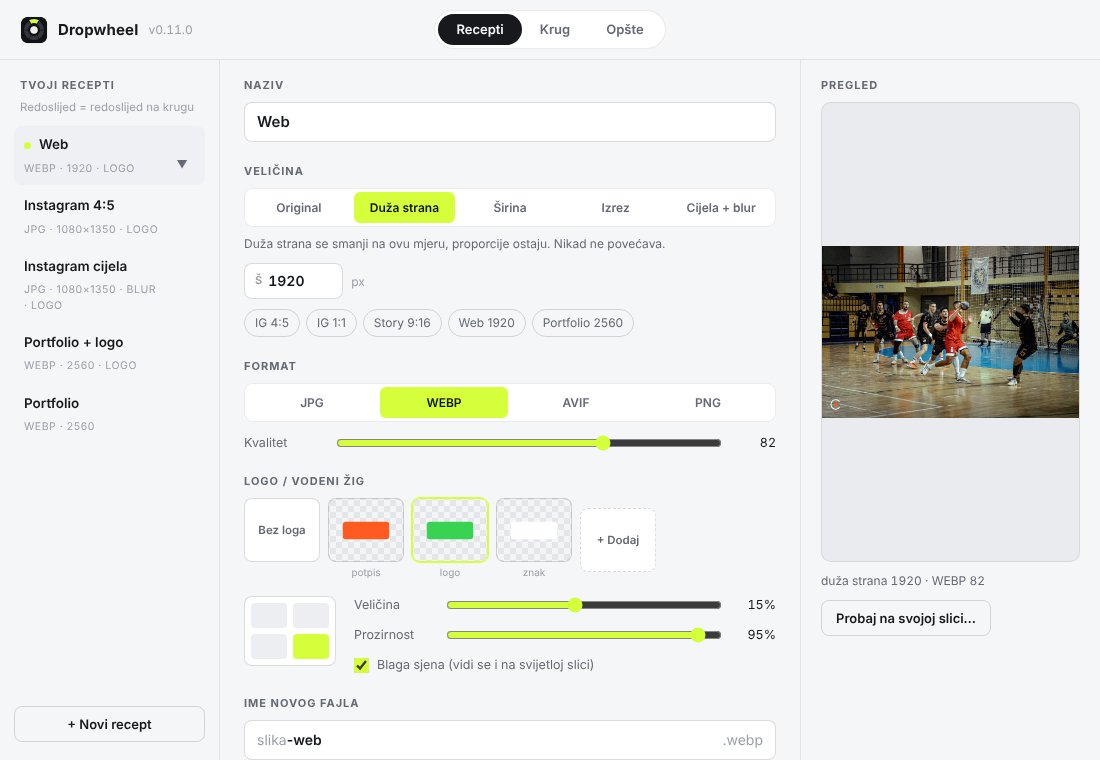
Size, format and watermark in one step, e.g. “Instagram 4:5 with logo”
For photographers
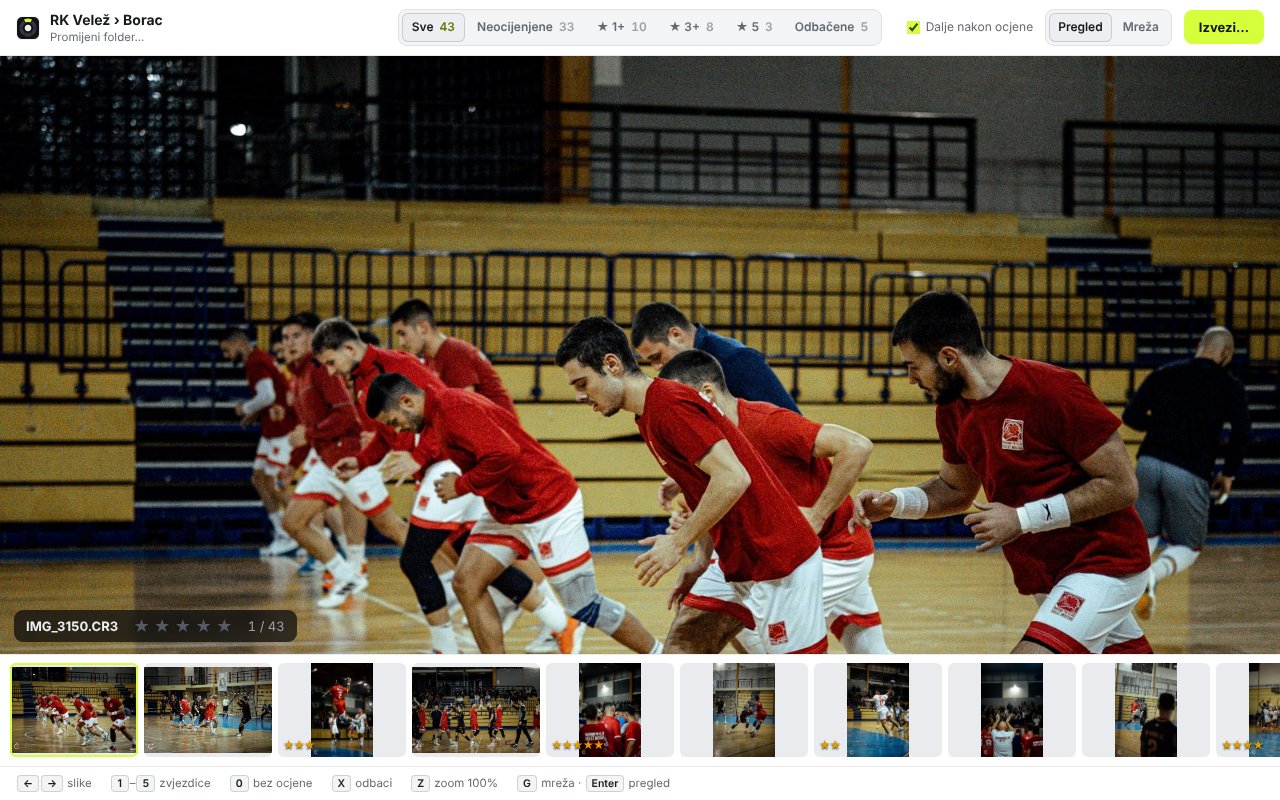
Import from SD card (CR3) and fast photo rating that Lightroom reads automatically

OSTRVO
Hold right Ctrl. Say it. Done.
An AI assistant that lives at the top of your screen. Mail, reminders, Word quotes, music, weather and photos from your phone, without typing or switching windows. It speaks Bosnian, Croatian and Serbian.
Windows 10/11 · updates itself · page in Bosnian, English soon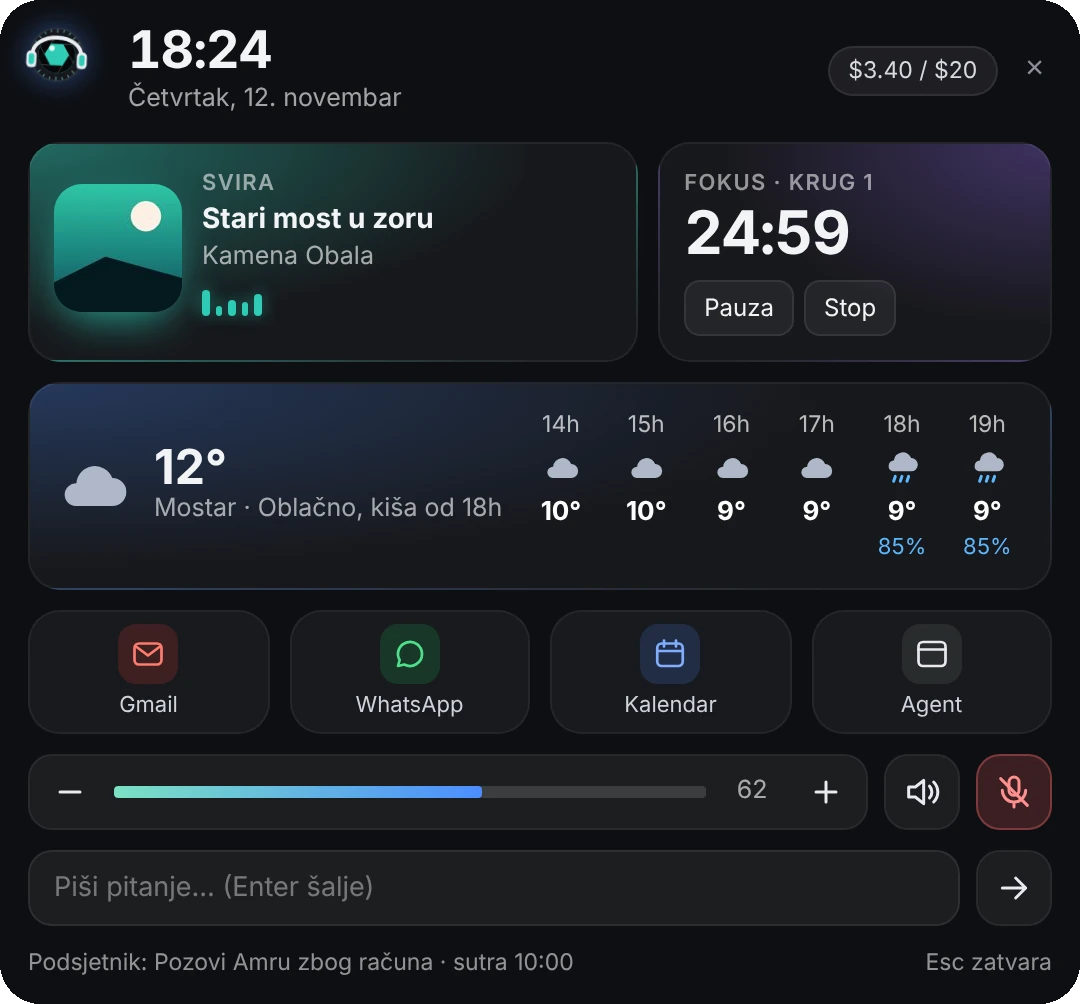
Voice
Hold right Ctrl and talk. Lens writes, searches and makes quotes in Word.
Gmail and Outlook. Important mail arrives already summarized, with a Remind me button.
Phone
Photos and files from your phone to your PC with a QR code, no cable.
Music
A card in the album cover color, lyrics with translation, and Lens dances.
Weather
12 hours and 7 days for your city, with a heads-up before it rains.
Safe
Never deletes and never sends anything. Overwrites always wait for your click.